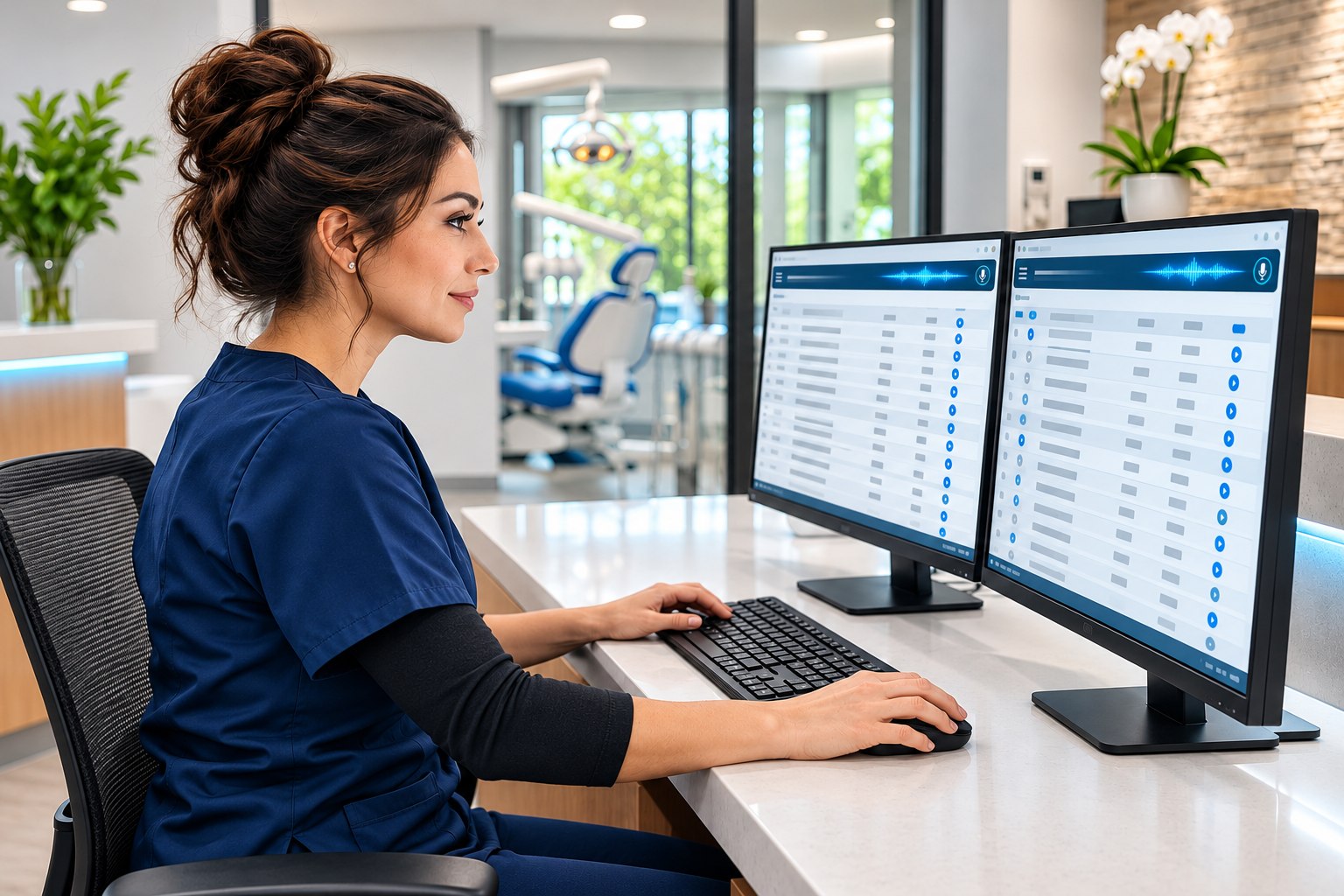
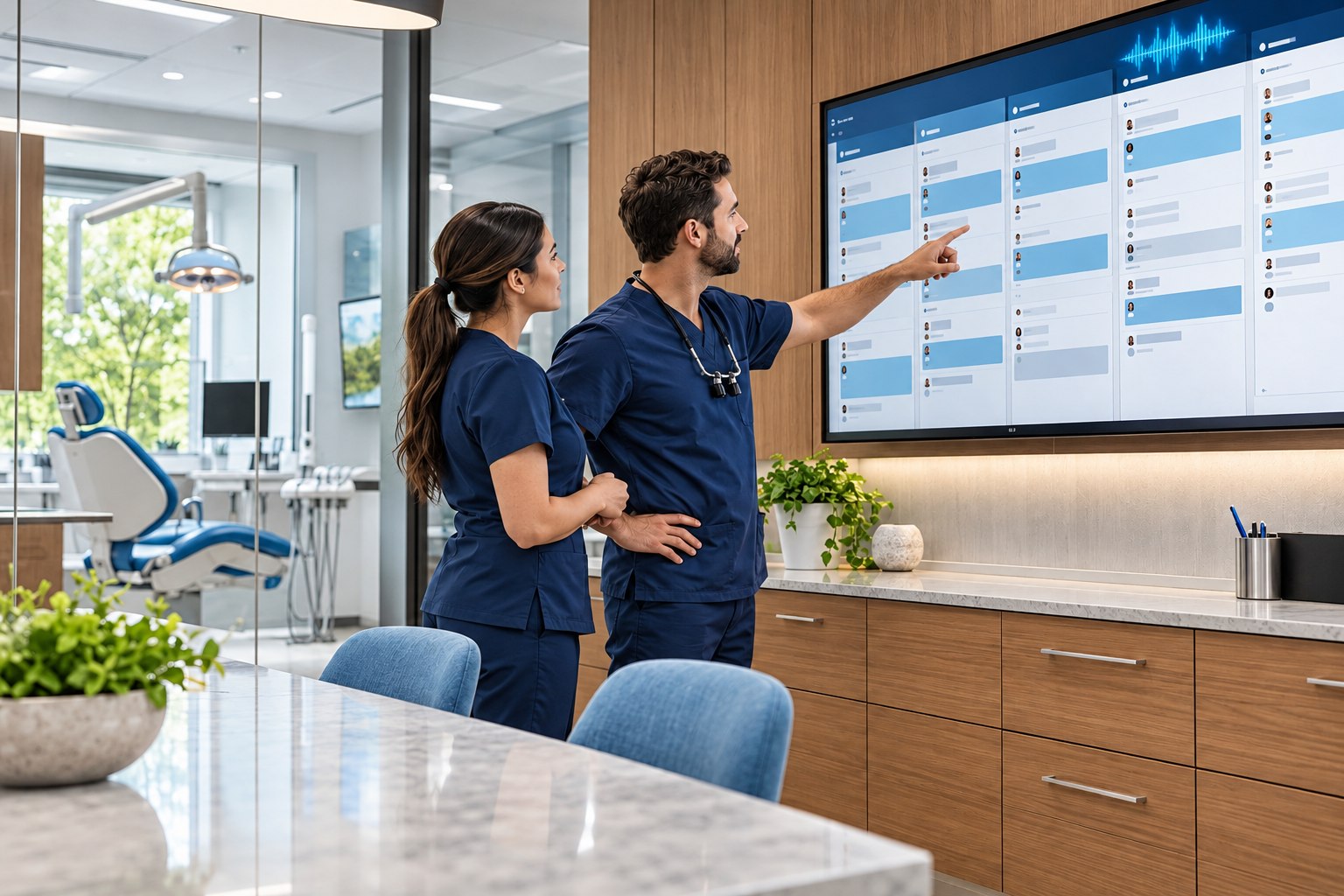
One system for your front desk, patient care, and billing.
THE PRACTICE, CONNECTED.
+
Built by a practicing dentist. Used in the flow of a real dental day.
01 Scheduling & patient communication
Chair calendars, waitlists, and recall Online booking, forms, and reminders Built-in phones, two-way texts, and email
02 Charting & clinical workflow
Tooth charting and voice-activated perio charting Clinical notes, treatment plans, and consents Lab cases and team tasks
03 Imaging inside the chart
Take X-rays and panoramics from the chart with compatible TWAIN equipment Save images in the cloud and compare them side by side
04 Insurance & collections
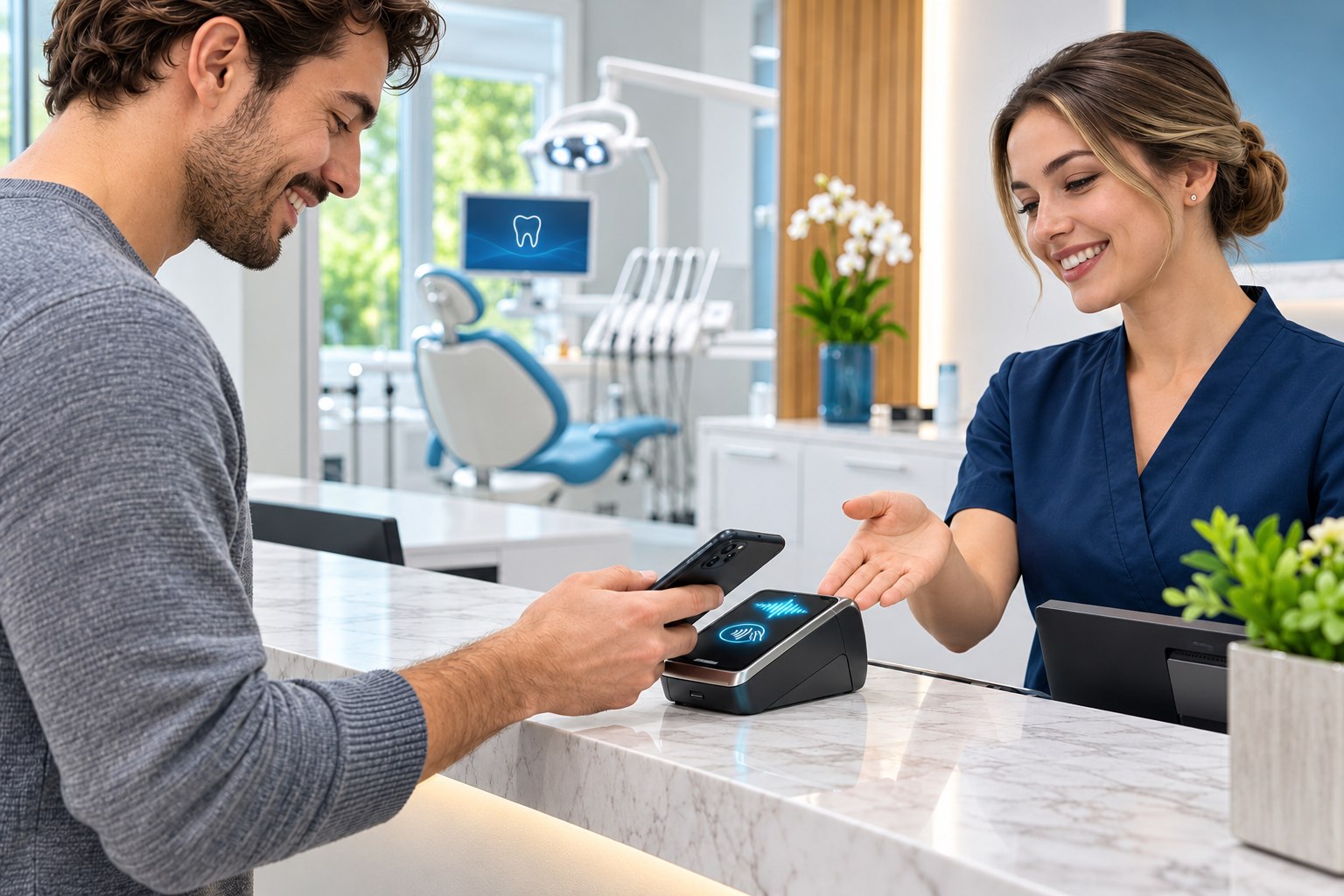
Electronic claims and insurance checks ERA auto-posting for one or two plans and AI-assisted paper EOBs Patient balances and Square payments
05 Reports that follow the money
Production at contracted fees, provider pay, and collections Insurance aging, denials, patient balances, and follow-up lists
01 / SCHEDULING
A schedule the whole office can work from.
View each chair by day, week, or month Set hours, recurring blocks, and online booking by chair Staff can double-book. Online and AI booking follow your rules.
Waitlists with priority and preferred times help the team respond to openings. Recall lists distinguish cleaning and periodontal follow-up, while confirmation and reschedule replies update appointments.
Use voice-activated perio charting to say measurements out loud and enter them in the chart.
Build treatment plans by phase and visit, apply plan discounts, share printable PDFs, collect online consents and book from the plan.
CLINICAL NOTES
Write notes your way.
Generate a draft. Start with details already in the chart.
Dictate it. Say the note out loud.
Use a template. Choose a template and customize it for your office.
Use a procedure code. Start with the template linked to that code.
Write it yourself. Type your note from scratch.
Review and sign the note when it’s ready. Add an addendum if you need to update a signed note.
03 / IMAGING
Take X-rays right in PractisIQ.
Take X-rays and panoramics from the patient chart The built-in PractisIQ Bridge Agent connects TWAIN-compatible sensors and panoramic units Images save to the chart
View full-mouth sets, bitewings, and panoramics. Zoom in, adjust brightness and contrast, or compare images side by side. We check device compatibility during setup.
04 / INSURANCE
From eligibility to posted payment.
Run daily automatic or on-demand eligibility checks and submit electronic claims through Stedi, with pre-submission checks, claim status tracking, secondary claims and electronic predeterminations. Follow worklists for outstanding claims, aging and denials.
Import and post electronic remittances at line level, including patients with two insurances. AI-assisted paper EOB entry is reviewed by the biller before posting. Attach X-rays and narratives from the chart and keep electronic predetermination responses connected to the plan.
05 / COLLECTIONS
One patient balance. Connected payment workflows.
Use a running patient ledger, Square terminal payments and text or email payment links. Save allocation receipts as PDFs and maintain a trail for refunds and corrections.
Create full-account or visit-specific statements. Follow aging balances, unapplied credits, write-offs, deposits and expenses from the same practice workflow.
06 / PATIENT CONNECTION
From the first call to the next visit.
Bring texts and emails into one inbox. Send reminders, intake forms, and consent forms, and keep calls and follow-ups with the patient’s record.
Send any form or consent electronically or print it for paper use. Patients can fill it out before the visit or at the office.
Patient preferences and STOP/HELP handling support communication controls. Recall, treatment and balance reminders are enabled for individual patients by the desk. Group campaigns respect those settings. Verified patient portal access brings appointments, balances, statements and treatment plans into the patient’s conversation.
07 / REPORTING
Understand the practice behind the numbers.
Review production and collections by provider, procedure and day. Contracted fees inform production reporting, and provider pay calculations use production or collection figures.
Explore insurance aging, denials, patient balances, recall and unscheduled treatment. Reports are office-specific; combined reporting across offices is not currently offered.
08 / PRESCRIBING & OPERATIONS
The details that keep a practice moving.
Electronic prescribing through Logicoy is available. Practice operations also include assigned tasks, staff time clock controls and a mobile provider page for the schedule and patient headers.
Inward migration capabilities are limited and vary by source software. Supported records, migration scope and data validation are assessed before onboarding; a complete migration is not guaranteed.
LAB CASES
Track lab cases and fees.
Track dental lab cases and fees in PractisIQ Connect your lab so it can send case updates right in PractisIQ
One PMS. Two powerful advantages.
IQ helps move operational work forward. The AI receptionist handles supported phone and booking workflows.