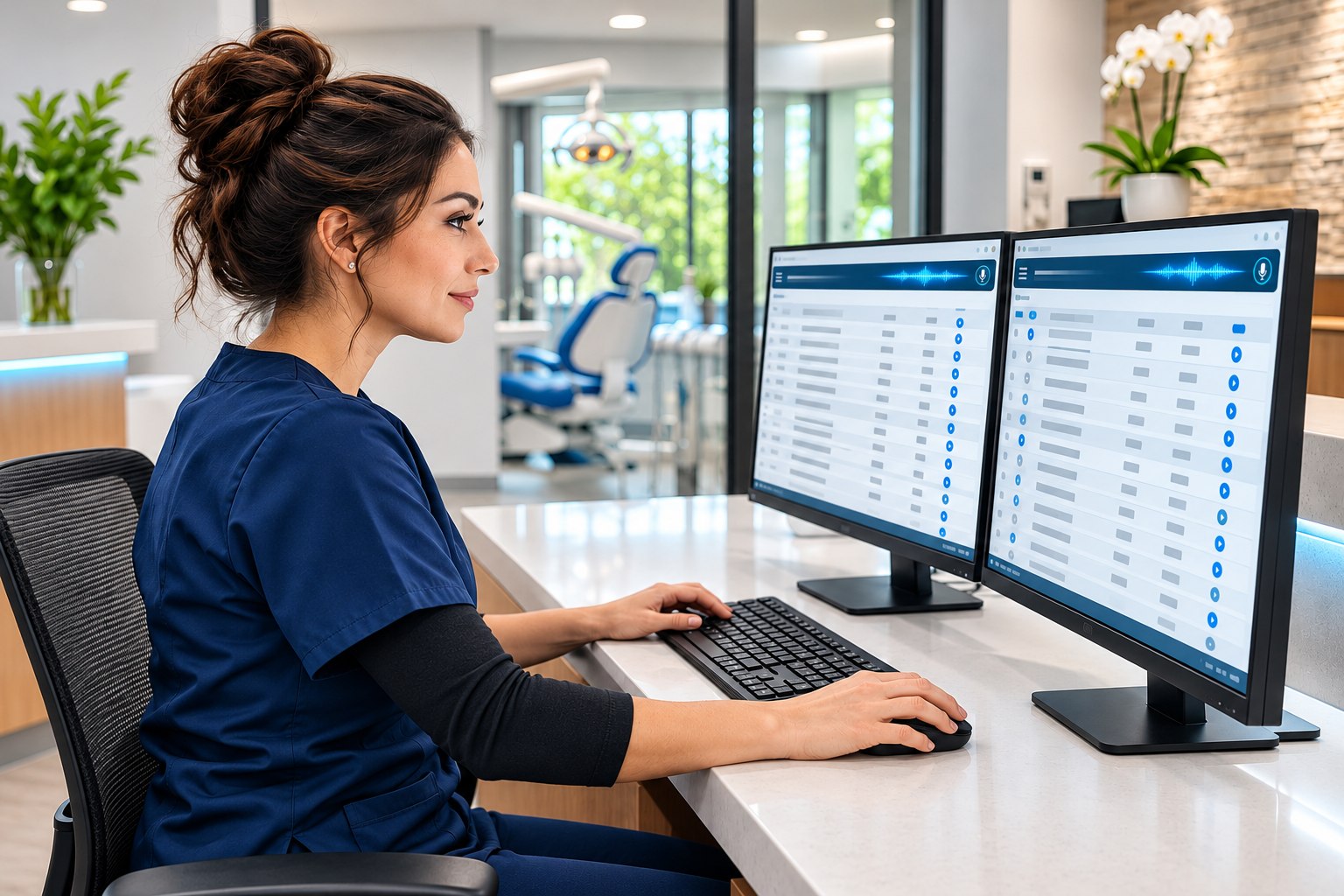
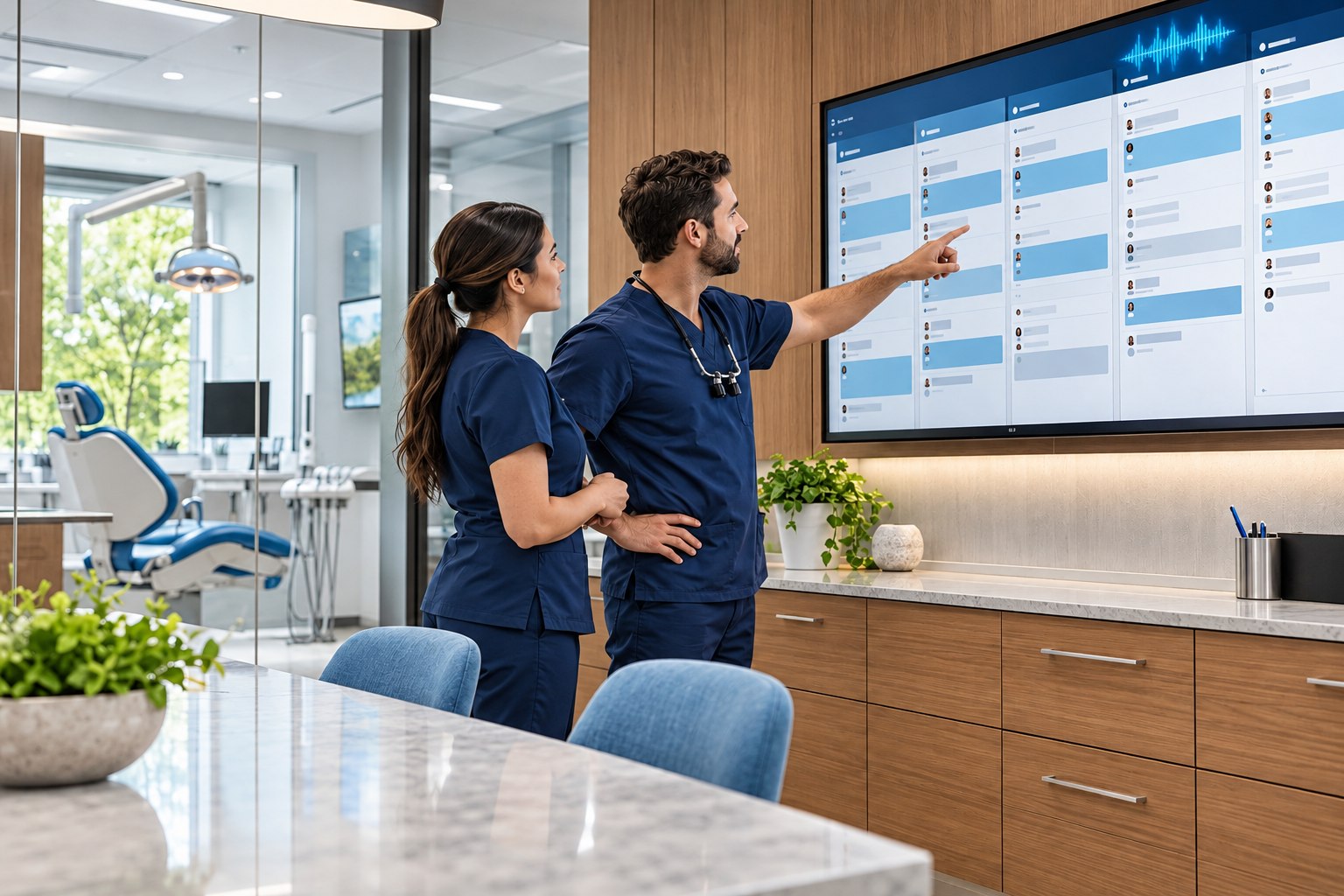
Syncs with your clinic schedule and hours Choose when the AI receptionist answers No third-party phone integration to set up
Recognize returning callers and verify identity before discussing personal information.
Offer real openings for the provider, visit type and appointment length. Book directly or hold the appointment for team review.
Send structured messages to the team’s task inbox. Transfer clinical questions, urgent calls or “press 0” to your configured human contact.
Let callers choose voicemail. Keep recordings, transcripts and call logs connected to the patient record.
02 / TWO-WAY TEXTING
Text from PractisIQ.
Send reminders, forms, and payment links Replies stay with the patient chart
Appointment reminders follow your cadence; confirmation replies update the schedule.
Recall and unscheduled-treatment reminders help patients take the next step.
Send secure form and consent links, receipts and payment links. Link payments post back to the ledger.
Use threaded replies, unread counts, office templates and group campaigns, with delivery status and a sending history.
03 / EMAIL
For patients who prefer their inbox.
Send and receive email in the same inbox as texts.
Send reminders, recall, treatment follow-ups, forms and balance notices by email.
Share full-account or visit-specific PDF statements with payment links, on demand or on a schedule.
Send receipts when payments post. Receive email replies in the same inbox as patient texts.
Use your practice’s sending domain so patients recognize who is writing.
04 / WEBSITE & PATIENT PORTAL
Help is there when patients look for it.
Give patients online access to their practice information.
Website booking uses real providers, visit types and availability. Choose confirmed appointments or bookings held for review.
Website AI chat answers office, insurance and new-patient questions, with staff handoff and callback requests.
Verified portal patients can ask about appointments, balances, statements and treatment plans.
Enable portal booking, cancellation and payment-link requests, with confirmation before each action. Signed consent PDFs file to the chart.
05 / THE DESK’S PHONE
Know who is calling. Before you say hello.
See who’s calling and open the patient’s chart.
Incoming-call screen pops bring up the patient’s chart, next visit, balance, outstanding forms and recent messages.
Use the browser softphone or a desk phone—both options are available. Call from the patient record with the browser softphone, keeping calls, texts, chart information and voicemail close together.
06 / SMART OUTREACH
Help the next visit happen.
See who needs a reminder or follow-up.
Live lists identify overdue recall, unscheduled treatment, expiring insurance and inactive patients.
Turn a list into a call sheet or messaging workflow, with contacts recorded on the patient timeline.
Patient-level consent and reminder settings still determine who can receive a message.
07 / INSURANCE READINESS
Find the coverage issue before the patient arrives.
Spot coverage questions before the patient arrives.
Daily automatic eligibility checks review tomorrow’s patients, helping surface coverage issues ahead of the visit.
Run on-demand checks as needed. Store payer responses on the chart and use returned benefits in patient estimates.
THE MOMENTS THAT MATTER / ILLUSTRATIVE SCENARIOS
It feels simple. That is the point.
See how calls, messages, and payments work together.
AFTER THE OFFICE CLOSES
A new patient still gets an answer.
The AI receptionist offers a real opening and books or holds it, following the office’s setup. New-patient forms can follow by text.
BETWEEN THE NEXT TWO VISITS
A reply reaches the right people.
A patient answers an email reminder. Your team sees it beside the chart, in the same inbox as texts.
FROM THE PATIENT’S SOFA
A balance becomes one less errand.
A secure link lets the patient pay from their phone, with the payment recorded in the ledger.
COMMUNICATION WITH CARE
Your office’s voice. Your patients’ choices.
Set quiet hours, templates, senders, and reminder timing.
Turn on reminders and balance messages per patient Group messages follow each patient’s consent settings
See who sent each message, when, and whether it arrived Patient replies stay with the chart
03 / THE ECONOMICS
What is your phone time worth?
Estimate how much staff time AI phone coverage could free up.
ILLUSTRATIVE MONTHLY CAPACITY VALUE$733
29.3 staff hours potentially redirected
An editable scenario, not measured PractisIQ results or guaranteed cash savings. Assumes the selected share of phone time shifts to AI. Subscription, call usage, implementation and oversight costs are not deducted. Reallocated time does not automatically reduce payroll.
AI RECEPTIONIST / QUESTIONS
A few good questions.
Can my office sign up today?
PractisIQ software and onboarding are currently available by invitation only. Tell us about your office to request consideration. Submitting an inquiry does not activate an account or guarantee an invitation.
Does the AI replace my entire front desk?
It handles supported phone and booking workflows, with staff handoffs and review. Your team still plays an essential role in patient care, exceptions and practice operations. Any staffing decisions depend on your office’s needs.
Is the receptionist available around the clock?
Choose after-hours coverage, busy-desk support or around-the-clock answering. Your practice configures the coverage and the human escalation number. Call capacity and setup are discussed during onboarding.
What will PractisIQ cost?
PractisIQ is $299/month, including cloud hosting, storage, and backups. Twilio is required for phones and billed separately by usage. Budget about $100/month for Twilio. Budget another $100–$200/month for the Stedi clearinghouse. Electronic prescribing is $40 per provider per month. Initial onboarding is $499.99. Software and onboarding are by invitation. View pricing and assumptions.
Can you migrate our existing records?
Inward migration capabilities are limited and depend on the software you are moving from. We assess supported records, scope and validation before onboarding; not every source system or data type can be migrated.
Give your front desk more room for care.
Tell us about your office and request an invitation to PractisIQ.